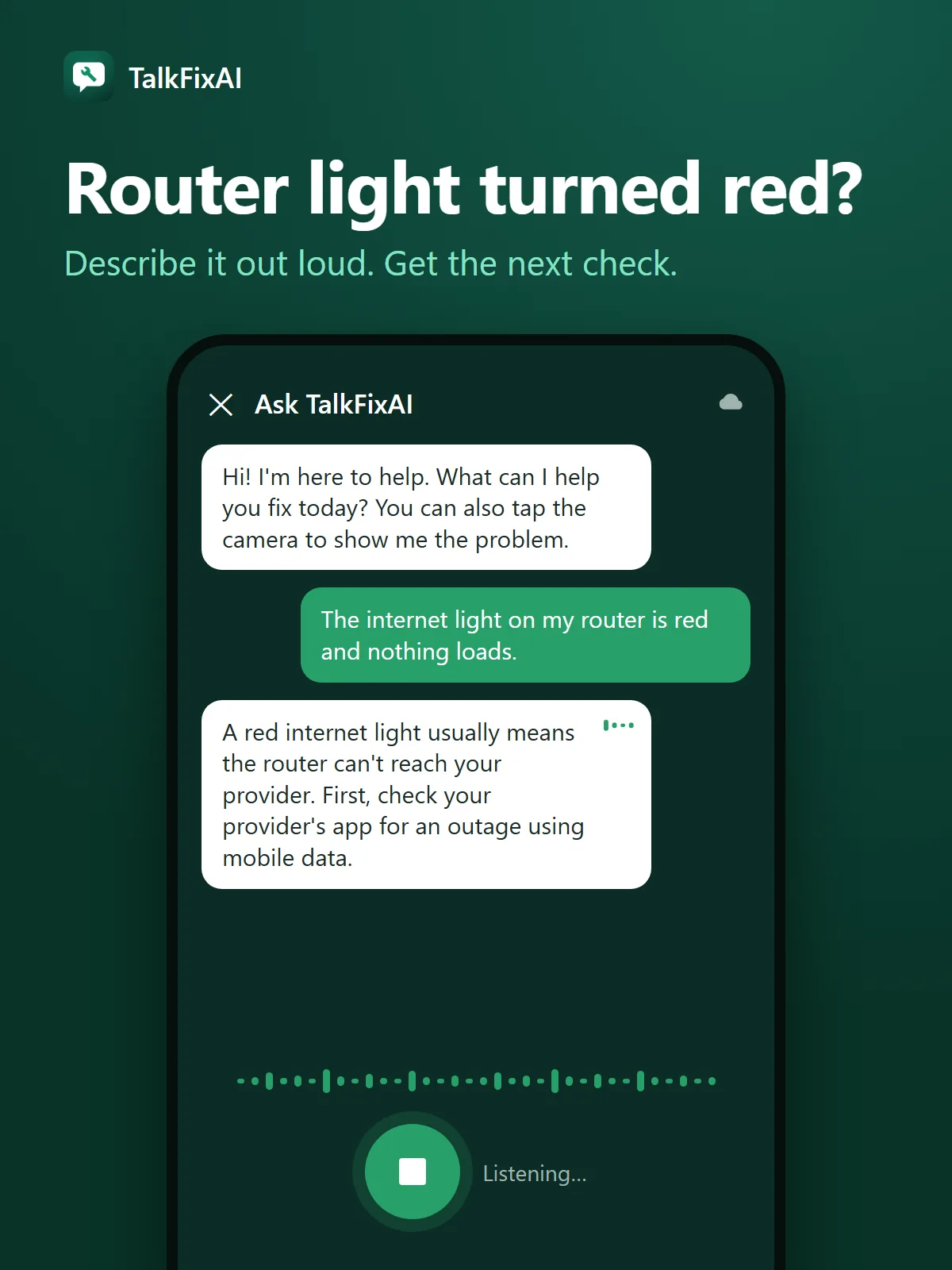
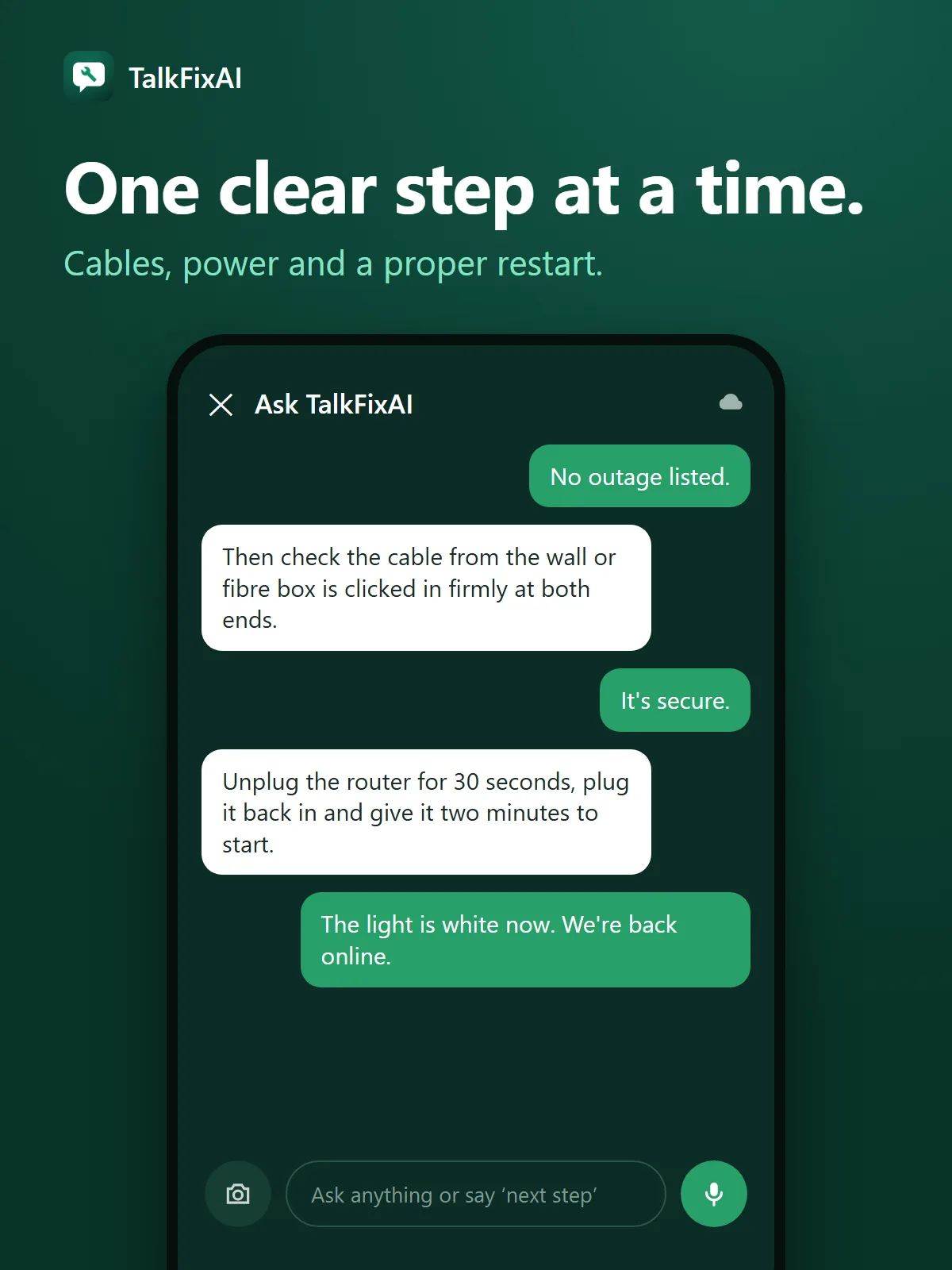
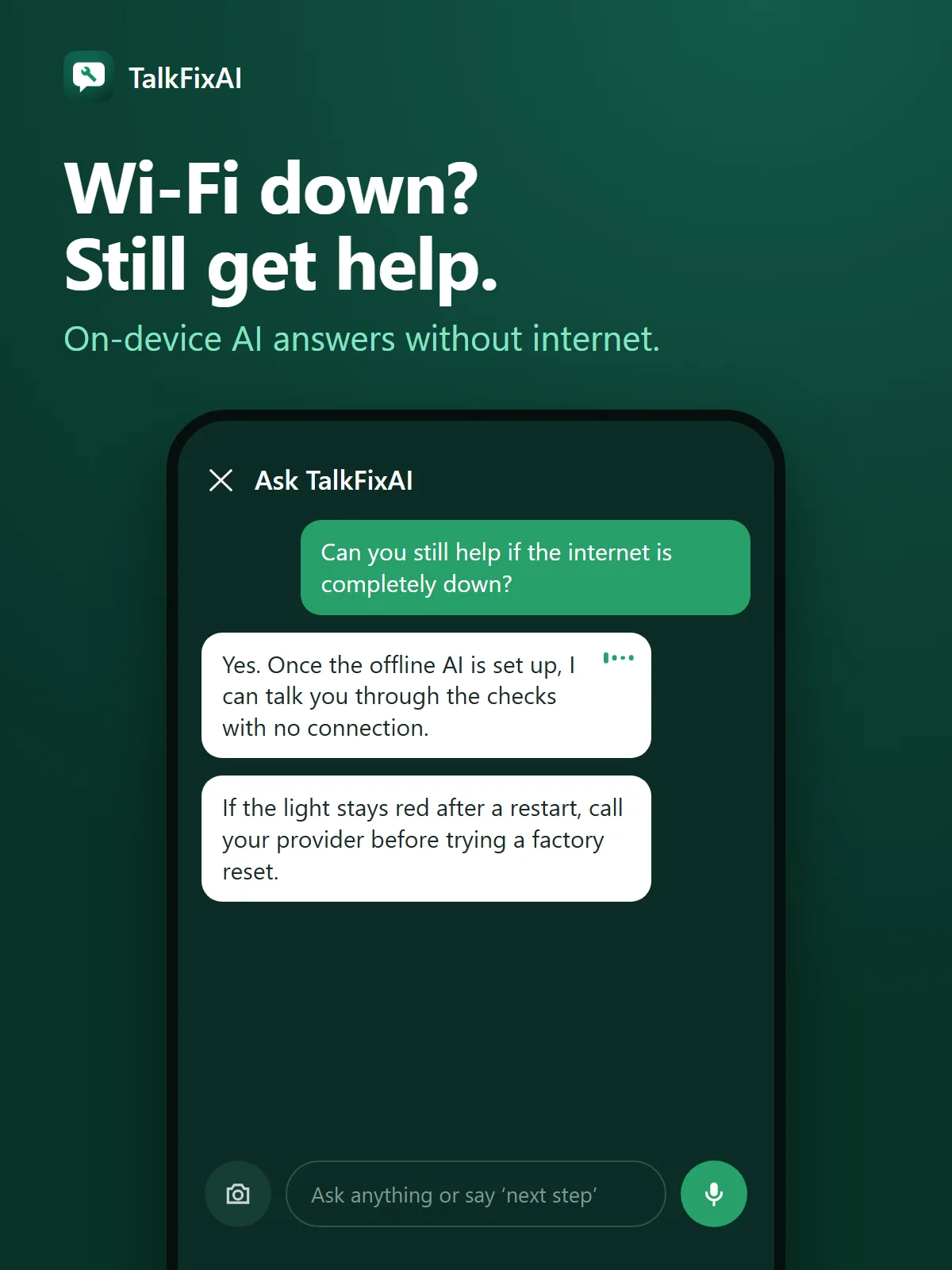
On most routers, a red or orange internet (WAN) light means the router has power but cannot reach your internet provider. Check for a provider outage, make sure the cable from the wall, modem or fibre box is firmly connected, then unplug the router for 30 seconds and give it two minutes to restart.
A red LOS light on a fibre box usually means no fibre signal, which only your provider can fix.