Microwave Running but Not Heating? What to Check

If the light, fan and turntable run but food stays cold, first check for settings that switch heating off: demo mode, the kitchen timer, the control lock or a grill or convection mode. Make sure the door closes fully and the microwave is plugged straight into a wall socket, not an inverter or generator, then run a one-minute water test.

If the water does not warm up, a part inside has failed and only a technician should open the microwave.

By , maker of TalkFixAI · Published

Rule out the settings before the hardware

  1. Step 1: Check for demo mode

    Set a short cooking time and press start. If the light and turntable work but the timer counts down much faster than normal, or the display shows DEMO or a similar word, the microwave is probably in demo or showroom mode, which does not heat. Your manual explains how to turn it off. On many Samsung models, for example, it is in the Options or My Settings menu.

  2. Step 2: Check the mode and settings

    Make sure you started a normal cooking programme rather than the kitchen timer, which only counts down. If the display shows LOC, L or a padlock, the control lock is on. On combination or convection microwaves, common in India, check that you are in Microwave mode, not Grill or Convection. A low power level heats much more slowly, so set full power for testing.

  3. Step 3: Check the door closes properly

    Open and close the door and make sure it latches firmly. With the microwave unplugged, wipe the door edge and the frame with a damp cloth to remove food that may stop it closing fully. If the door is bent, a hinge is broken or the latch is damaged, stop using the microwave.

  4. Step 4: Plug it straight into a wall socket

    Plug the microwave directly into a wall socket rather than an extension lead or a socket shared with another heavy appliance. Whirlpool notes that an inverter or generator may power the light and controls but not the heating. If the display flickers or the MCB or breaker trips when it starts, stop and call an electrician or technician.

  5. Step 5: Reset it

    Unplug the microwave for a minute, then plug it back in. This clears many control glitches. You may need to set the clock again.

  6. Step 6: Run the water test

    Put one cup (about 250 ml) of water in a microwave-safe container on the turntable and run it on full power for 1 minute, as Whirlpool suggests. If the water is clearly warmer, the microwave is heating, and the problem may be the power level or the food. If the water is still cold, the microwave needs service.

Why a microwave runs but does not heat

A microwave's light, fan and turntable run on ordinary mains power. The heating comes from a separate high-voltage circuit and a part called the magnetron. Settings such as demo mode or the kitchen timer leave the magnetron off on purpose. A door that does not fully close also stops it, because safety switches in the latch only allow heating when the door is shut. If the settings and door are fine and it still will not heat, the usual causes are a failed magnetron, high-voltage diode, capacitor, fuse or door switch, all of which sit behind the cover.

Sparks, buzzing and burning smells

Sparks inside the oven are often caused by metal, foil, dishes with metallic trim or food splatter on the inside walls. Stop the microwave, remove the cause and clean the cavity. If you smell burning, see sparks with nothing metal inside, or hear loud buzzing or humming without heating, unplug it and call for service.

Repair or replace?

Ask the technician for a quote before agreeing to a repair. For an older countertop microwave, the cost of replacing a major part can be close to the price of a new oven. Built-in and over-the-range microwaves are usually worth a service call.
Why a microwave repair is a job for a technician

Call an authorised service technician if:

  • the water test shows no heating after you have checked the settings, door and socket,
  • the door is damaged, does not latch or the seal is broken,
  • you see sparks with nothing metal inside, or smell burning,
  • the MCB or breaker trips, or the household fuse blows, when you start it,
  • the microwave shows an error code your manual says needs service.

Never open the microwave's cover yourself.

Microwave safety questions

Why is my microwave running but not heating?

Check for demo mode, the kitchen timer or a control lock first, then make sure the door closes fully and the microwave is plugged straight into a wall socket. If a one-minute water test still shows no heating, a part such as the magnetron, diode or door switch has likely failed and needs a technician.

How do I test if my microwave is heating?

Place about 250 ml (one cup) of water in a microwave-safe container on the turntable and run it on full power for one minute. If the water is clearly warmer, the microwave is heating.

What is demo mode on a microwave?

Demo or showroom mode lets shops show the controls without the oven heating. The light and turntable work and the timer may count down quickly, but nothing heats. Your manual explains how to switch it off.

Can I fix a microwave magnetron myself?

No. The magnetron sits in a high-voltage circuit, and parts inside can hold a dangerous charge even when the microwave is unplugged. Replacing it is a job for a trained technician.

Is it safe to use a microwave with a damaged door?

No. The US FDA advises not to use a microwave if the door does not close firmly or is bent, warped or otherwise damaged. Contact the manufacturer or a service centre.

Checked against: US FDA: Microwave ovens; Whirlpool: Microwave is not heating (countertop); Samsung US: Samsung microwave does not heat.

How TalkFixAI talks you through a fix

The screens below illustrate a TalkFixAI conversation that follows the steps in this guide. Your own conversation will depend on what you describe.

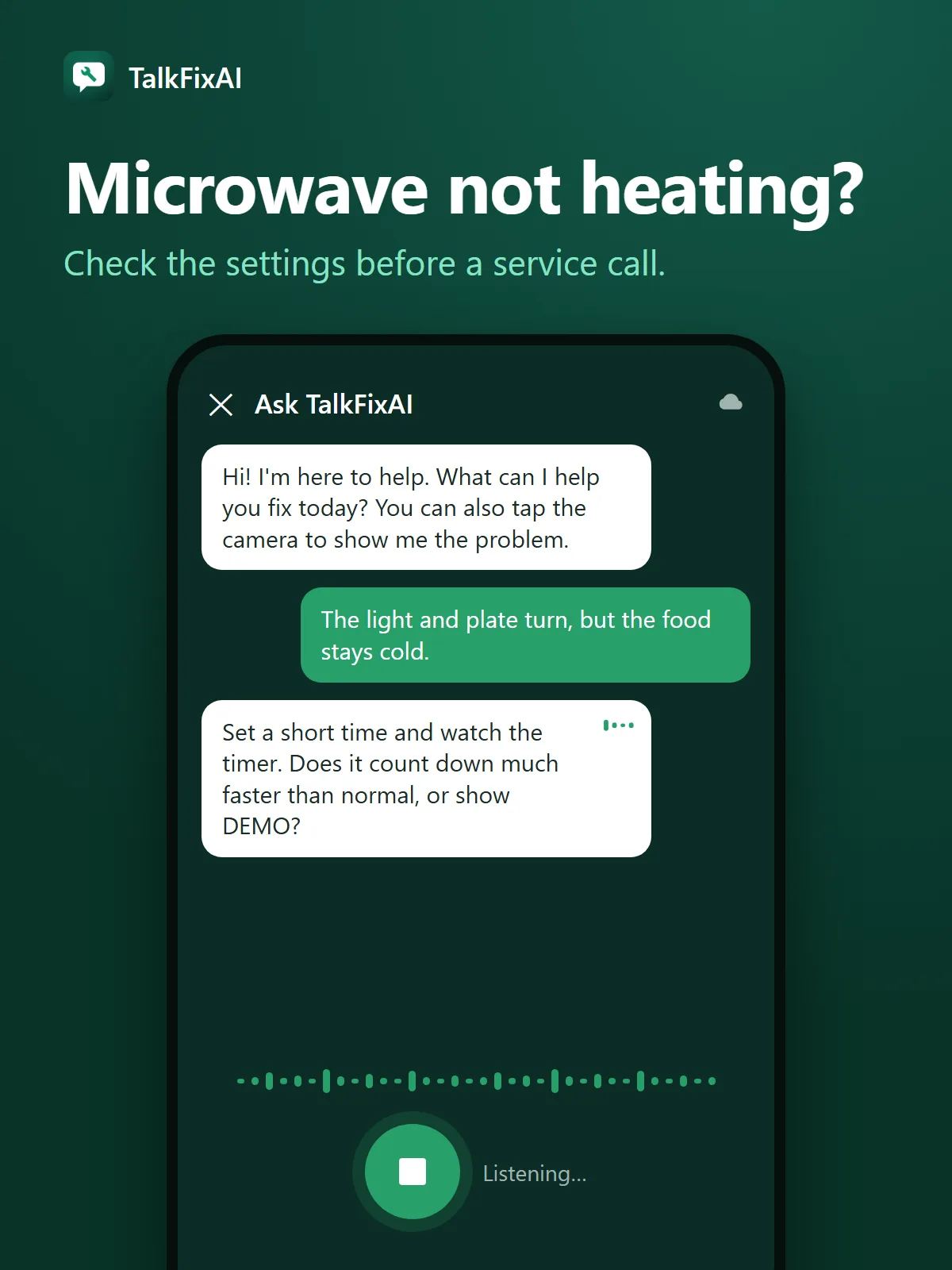
  1. Illustrated TalkFixAI chat. You: “The light and plate turn, but the food stays cold.” TalkFixAI: “Set a short time and watch the timer. Does it count down much faster than normal, or show DEMO?”
    Step 1Microwave not heating?Check the settings before a service call.
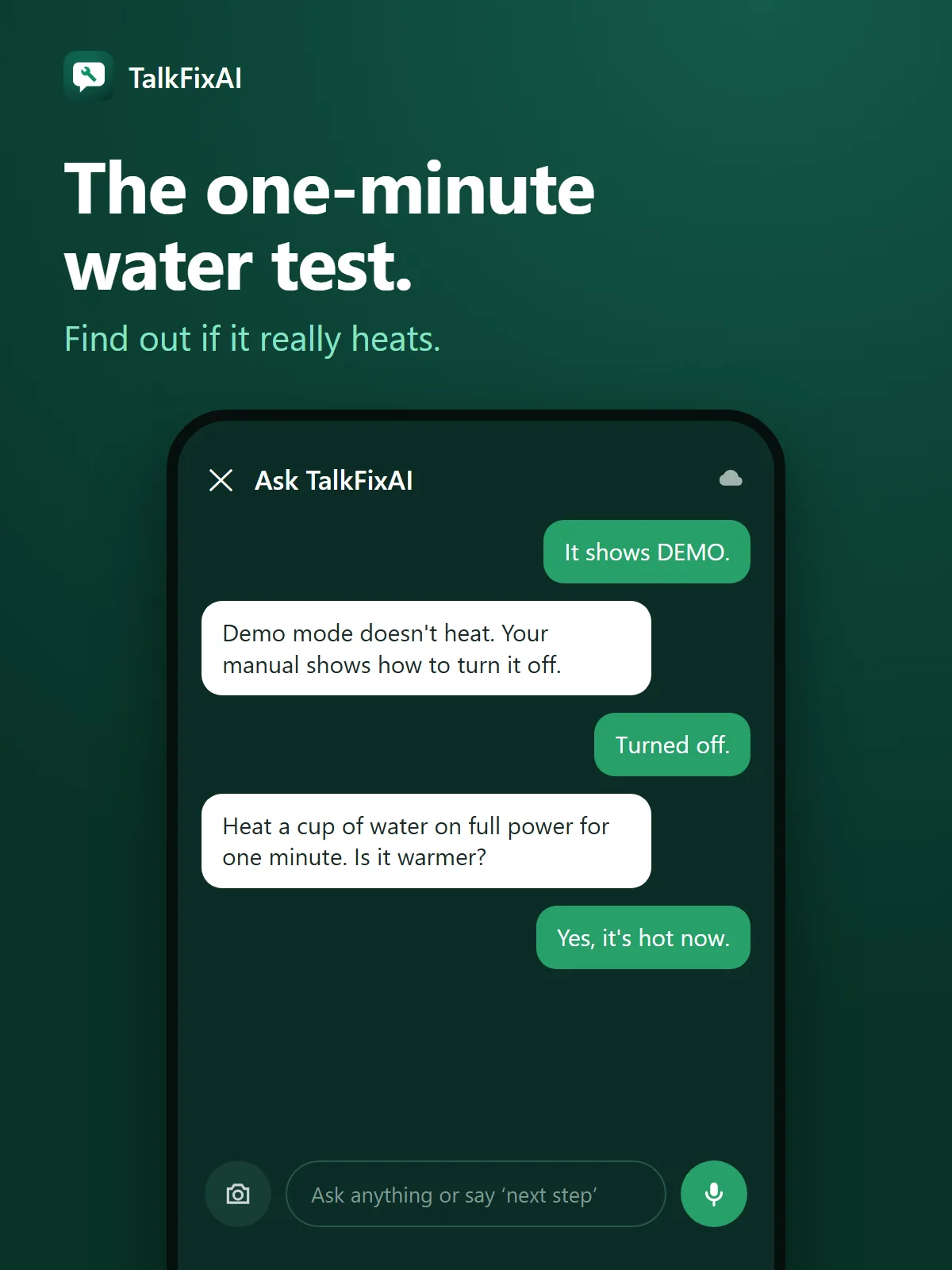
  2. Illustrated TalkFixAI chat. You: “It shows DEMO.” TalkFixAI: “Demo mode doesn't heat. Your manual shows how to turn it off.”
    Step 2The one-minute water test.Find out if it really heats.
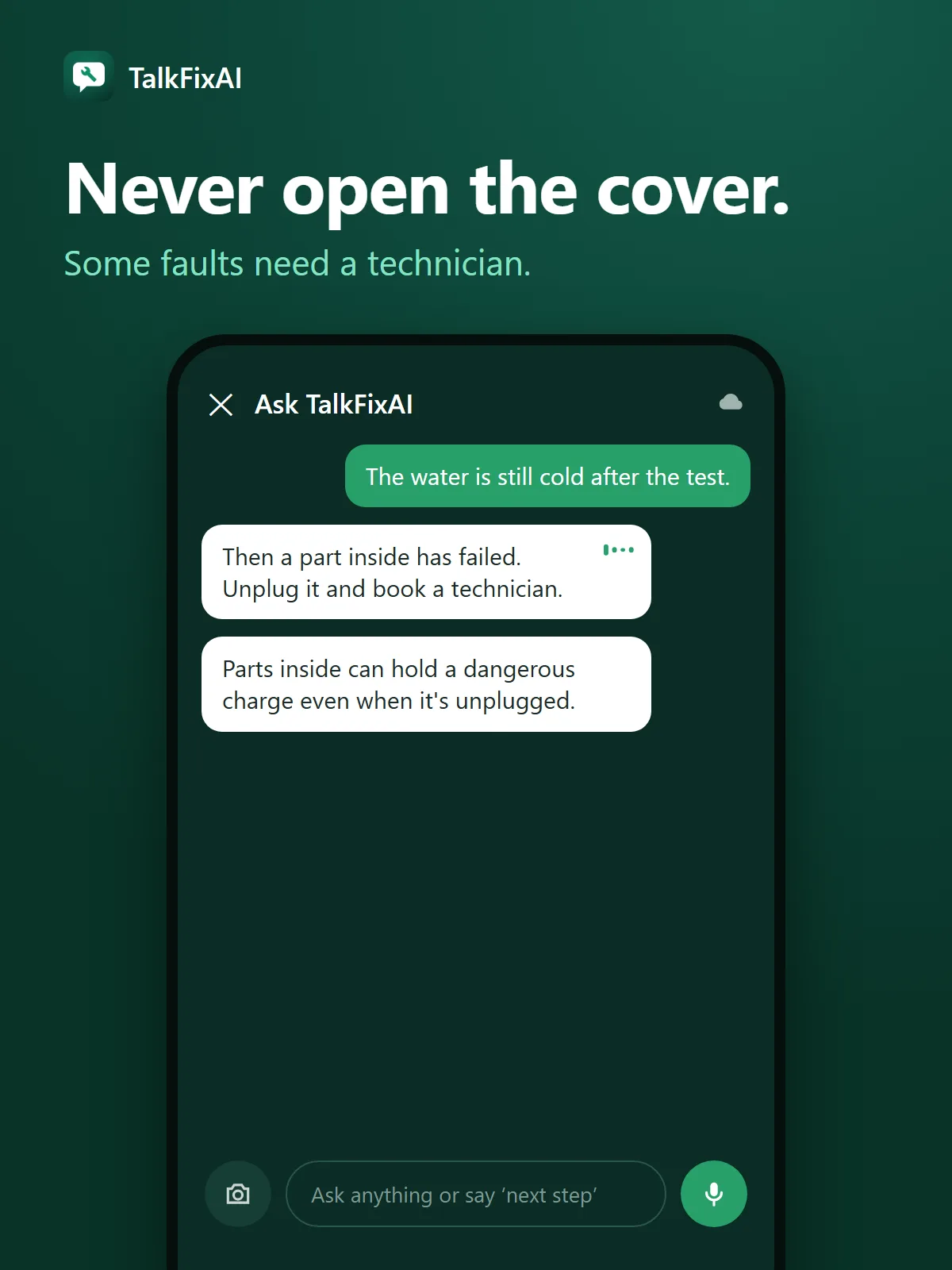
  3. Illustrated TalkFixAI chat. You: “The water is still cold after the test.” TalkFixAI: “Then a part inside has failed. Unplug it and book a technician.”
    Step 3Never open the cover.Some faults need a technician.

Want TalkFixAI to talk you through this repair hands-free while your hands are busy? Try TalkFixAI, the free repair assistant that answers by voice, even offline.

Other appliance problems