Why a laptop will not start
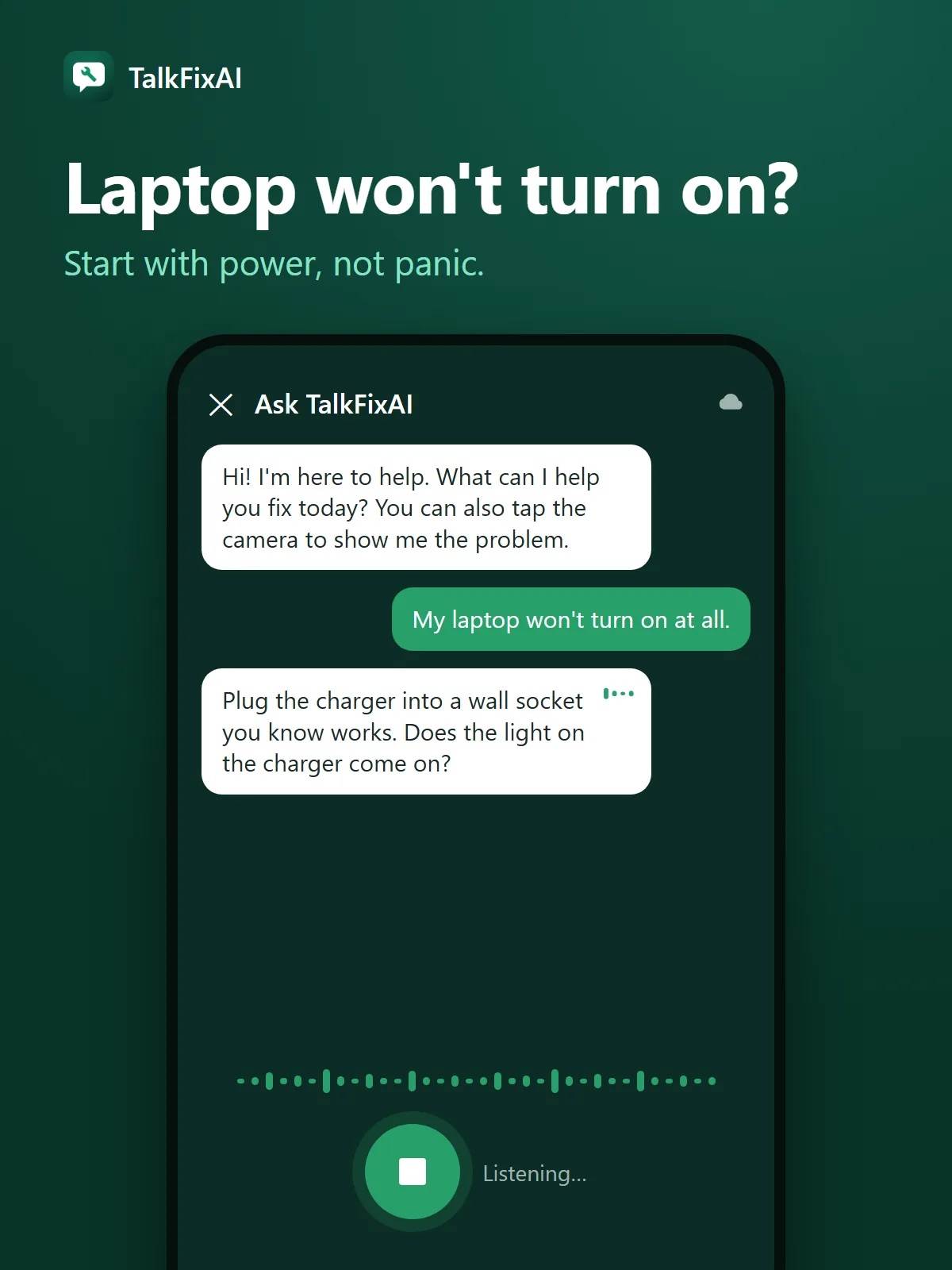
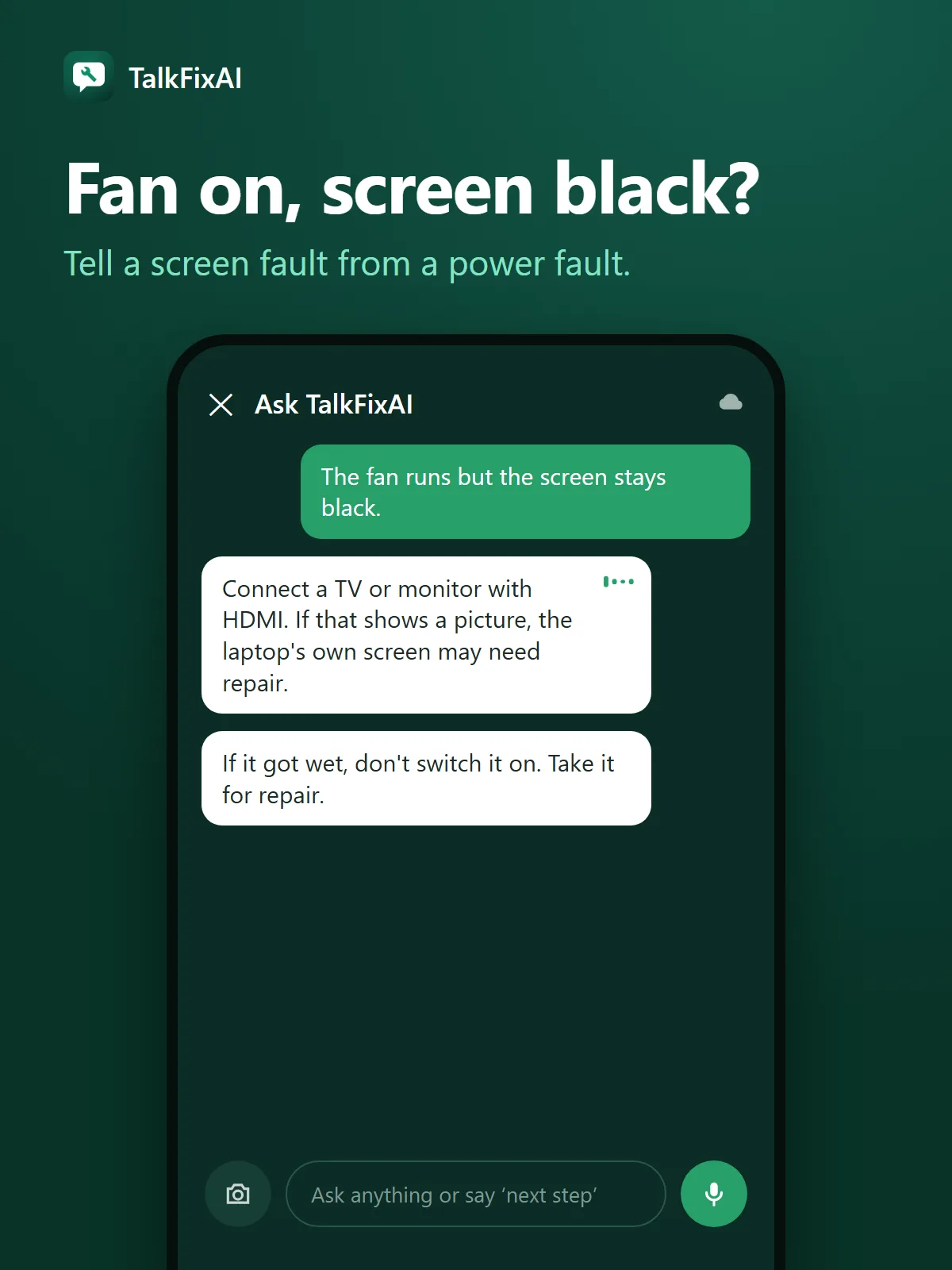
A laptop needs power from either the charger or the battery to start. A failed charger, a worn-out or fully drained battery, a loose charging port or a faulty accessory can all leave it dead. Sometimes the laptop does start, but the screen, its cable or the graphics chip fails, so it looks dead even though the fan runs.
Each brand uses its own light patterns and beep codes to report faults, especially on business laptops. Count the blinks or beeps and look them up on your laptop maker's support site for your exact model.
MacBooks, Windows laptops and Chromebooks
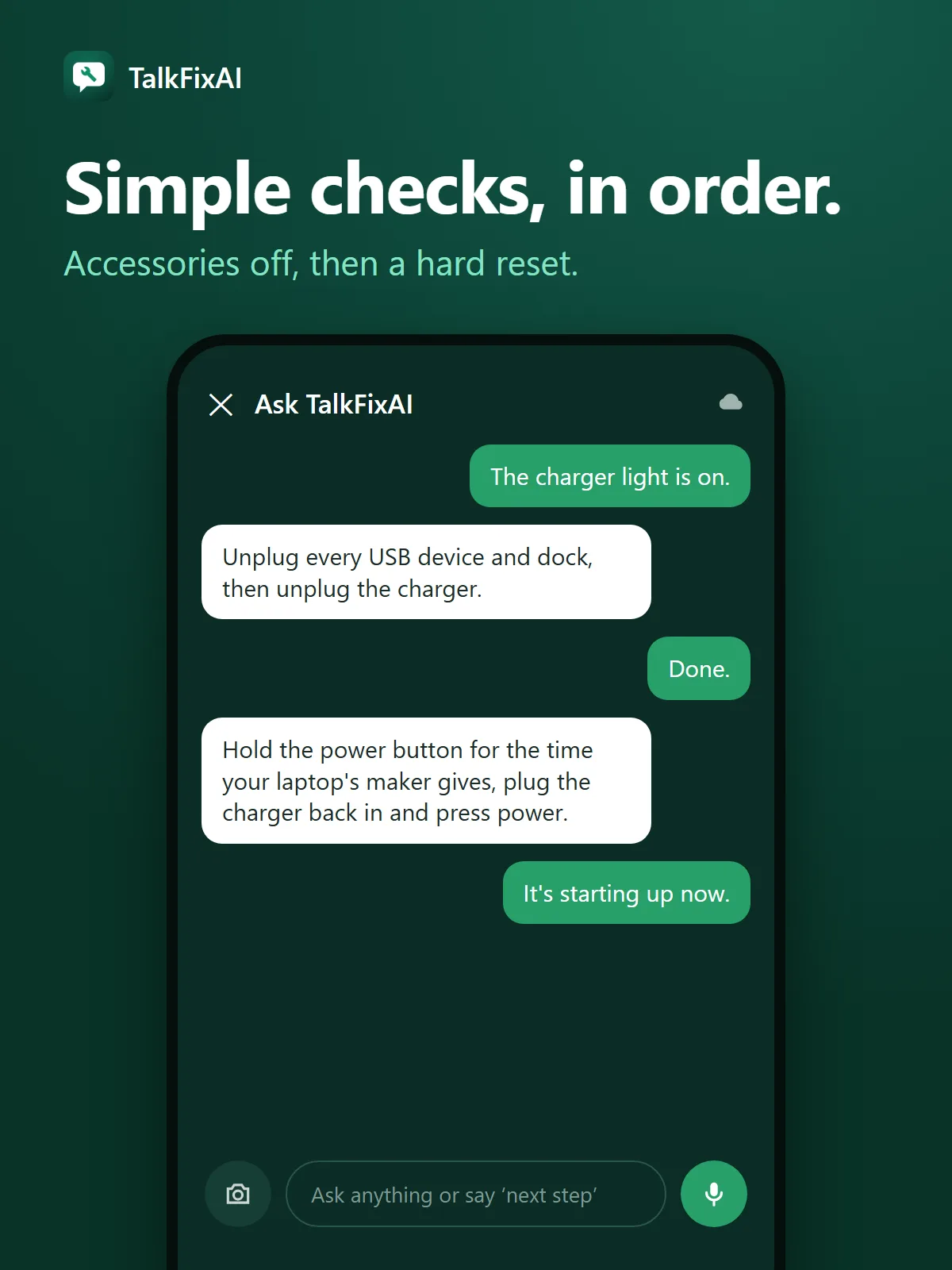
The same order of checks works for every kind of laptop: power source, charger, accessories, reset, then display. The exact reset method differs. Windows laptops from Dell, HP, Lenovo and others use a power-button hard reset; some have a small pinhole reset button underneath. MacBooks and Chromebooks have their own reset steps, which their makers publish on their support sites.
Before you take it in
Note the brand and model (on a label underneath), whether the charger light comes on, what lights or sounds you see and hear, and whether it was dropped, got wet or stopped after an update. If the laptop is under warranty, contact the maker first, since opening it yourself can void the warranty.