Phone Not Charging? Fixes for iPhone and Android

Most charging problems come from the cable, the adapter or lint packed into the charging port, not the battery. Try a different cable and adapter in a wall socket you know works, gently clean the port, and force restart the phone.

If it shows nothing after about 30 minutes on a known-good charger, or the battery is swollen or hot, it needs a repair.

By , maker of TalkFixAI · Published

Cable, port, then the phone itself

  1. Step 1: Check the socket, adapter and cable

    Plug the adapter into a wall socket you know works, with the switch on, rather than a laptop, power strip or car charger. Look closely at the cable and adapter for breaks, fraying or bent pins, and stop using anything damaged. Then try a different cable and adapter, ideally ones from your phone's maker, or test your charger on another phone. On Android, a Check charging accessory message means the cable or adapter may not be compatible or may be faulty.

  2. Step 2: Clean the charging port gently

    Switch the phone off and shine a torch (flashlight) into the port. Pocket lint often packs in so tightly that the plug cannot seat fully. Loosen it gently with a wooden or plastic toothpick and tip it out; do not use pins, needles or other metal, and do not blow into the port. Then push the cable in firmly and check that it clicks into place.

  3. Step 3: Remove the case and test the connection

    A thick case can stop the plug going all the way in, and for wireless charging, a thick case, card wallet or metal plate can block the charger. Take the case off and try again. If the phone only charges when you hold the cable at an angle, the cable or the port is worn.

  4. Step 4: Force restart the phone

    A software glitch can stop charging even with a good charger. iPhone 8 or later: press and quickly release volume up, press and quickly release volume down, then press and hold the side button until the Apple logo appears. Android: on Pixel phones, press and hold the power button for 5–7 seconds; on many other Android phones, hold power and volume down together. Check your phone maker's support page if this does not work.

  5. Step 5: Leave it on a working charger for 30 minutes

    A fully drained battery may show nothing on screen for several minutes after you plug it in. Apple and Google both suggest leaving the phone on a working charger for about 30 minutes, then force restarting it, before deciding it has failed. If you see a battery icon or charging light, let it charge before switching on.

  6. Step 6: Check if it stops at 80% or charges slowly

    If it charges but stops around 80%, that is often intentional: iPhone's Optimized Battery Charging and similar features on Android pause charging to reduce battery wear, and phones also pause charging when they get warm. Move the phone somewhere cooler and check the battery settings. Very slow charging is often caused by a low-power adapter, a worn cable or using the phone heavily while it charges.

Why a phone stops charging

Charging needs four things to work: a live socket, a working adapter, a working cable, and a clean port that lets the plug make full contact. Most problems are in one of those. Inside the phone, the battery, the charging port or a charging chip can also fail, and software can occasionally stop charging until the phone is restarted.

Battery wear is gradual. If a phone charges normally but the battery drains much faster than it used to, check the battery health in settings: the battery may need replacing, but that is a different fault from not charging at all.

Chargers and cables

Use the charger from your phone's maker, or a certified one from a reputable brand. Cheap, uncertified chargers can charge slowly, cause the screen to behave oddly while plugged in, or damage the phone. In India and the US alike, a charger rated for your phone's charging standard (such as USB Power Delivery for many recent phones) charges faster and more reliably than an old low-power adapter.

Before you take it in for repair

Back up your phone if it still turns on. Note the model, which chargers you tried, whether a charging icon or light appears, and whether the phone was dropped or got wet. A repair shop or service centre can then test the port and battery directly.
Parts and tools you may need

Most fixes in this guide need no parts, so do the checks first. If you do need one, match it to your brand and model before you buy.

As an Amazon Associate, AICK Studio earns from qualifying purchases. It does not change the price you pay.

When to take the phone in for repair

Take the phone to the manufacturer's service centre or a reputable repair shop if:

  • it shows no charging icon or light after about 30 minutes on a known-good charger and a force restart,
  • the battery is swollen, the screen is lifting, or the phone gets hot while charging,
  • it only charges when the cable is held at an angle, even with a new cable,
  • it was dropped or got wet and has not charged since,
  • it charges but the screen stays black (it may be a display fault rather than charging).

Do not open the phone or replace the battery yourself unless you have the right tools and parts.

Charging questions, including swollen batteries

Why is my phone plugged in but not charging?

The most common causes are a faulty cable or adapter, a socket that is switched off, and lint packed into the charging port. Try a different cable and adapter in a working wall socket, clean the port gently and force restart the phone.

How do I clean my phone’s charging port safely?

Switch the phone off, look into the port with a torch and gently loosen lint with a wooden or plastic toothpick. Do not use metal objects, liquids or compressed air at close range, and do not blow into the port.

Why does my phone stop charging at 80%?

Many phones pause at around 80% on purpose to reduce battery wear, such as Optimized Battery Charging on iPhone and similar adaptive charging features on Android. Phones also pause charging when they are too warm. It is usually not a fault.

My phone is completely dead and will not charge. What should I do?

Plug it into a known-good charger in a wall socket and leave it for about 30 minutes, then force restart it. A fully drained battery may show nothing on screen for several minutes. If there is still no response, it needs a repair.

Is it safe to keep using a phone with a swollen battery?

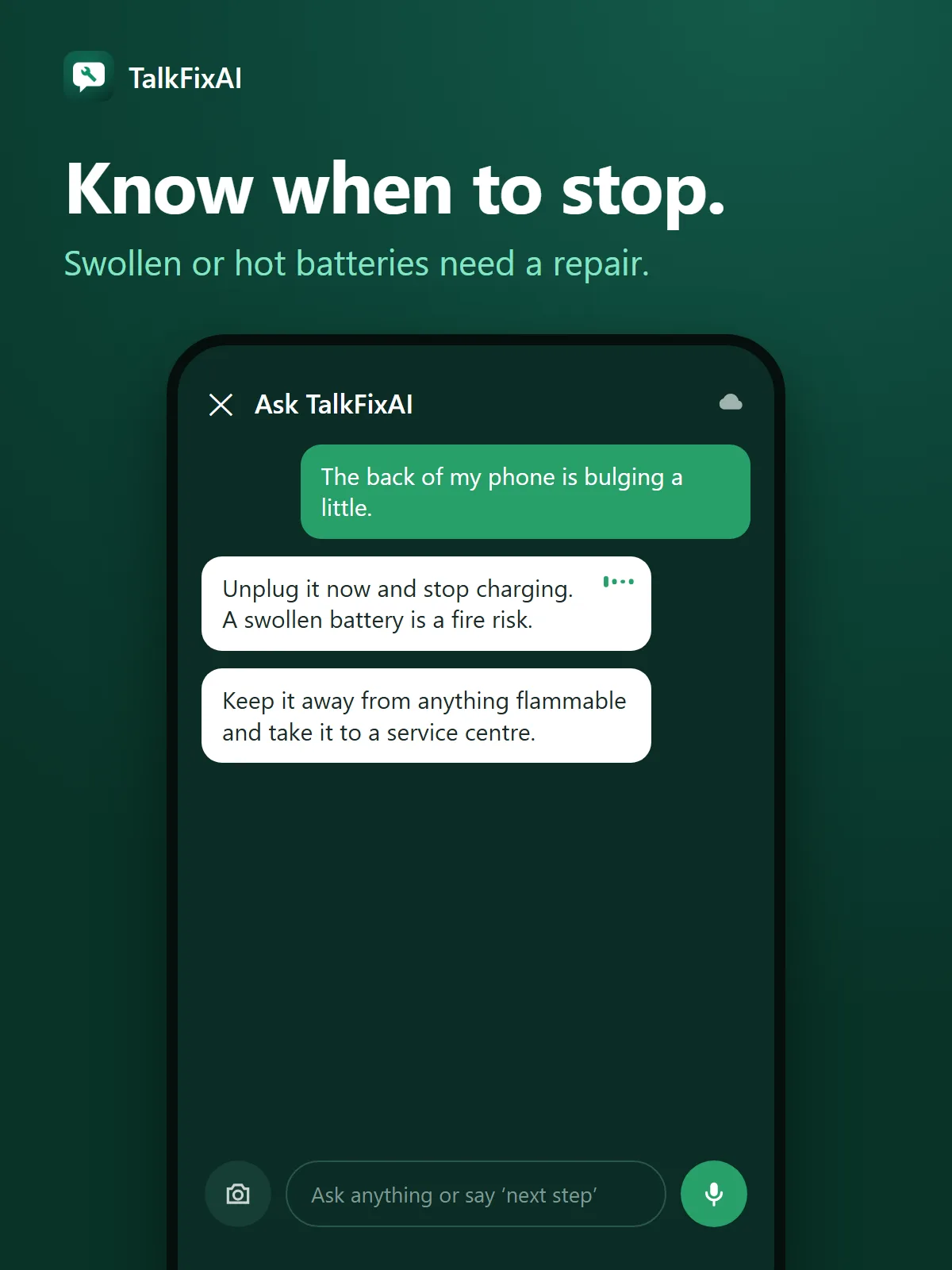
No. A swollen lithium-ion battery is a fire risk. Stop charging and using it, keep it away from flammable materials and take it to a service centre for a battery replacement.

Checked against: Apple Support: If your iPhone or iPod touch won’t charge; Android Help: Fix an Android device that won’t charge or turn on.

How TalkFixAI talks you through a fix

The screens below illustrate a TalkFixAI conversation that follows the steps in this guide. Your own conversation will depend on what you describe.

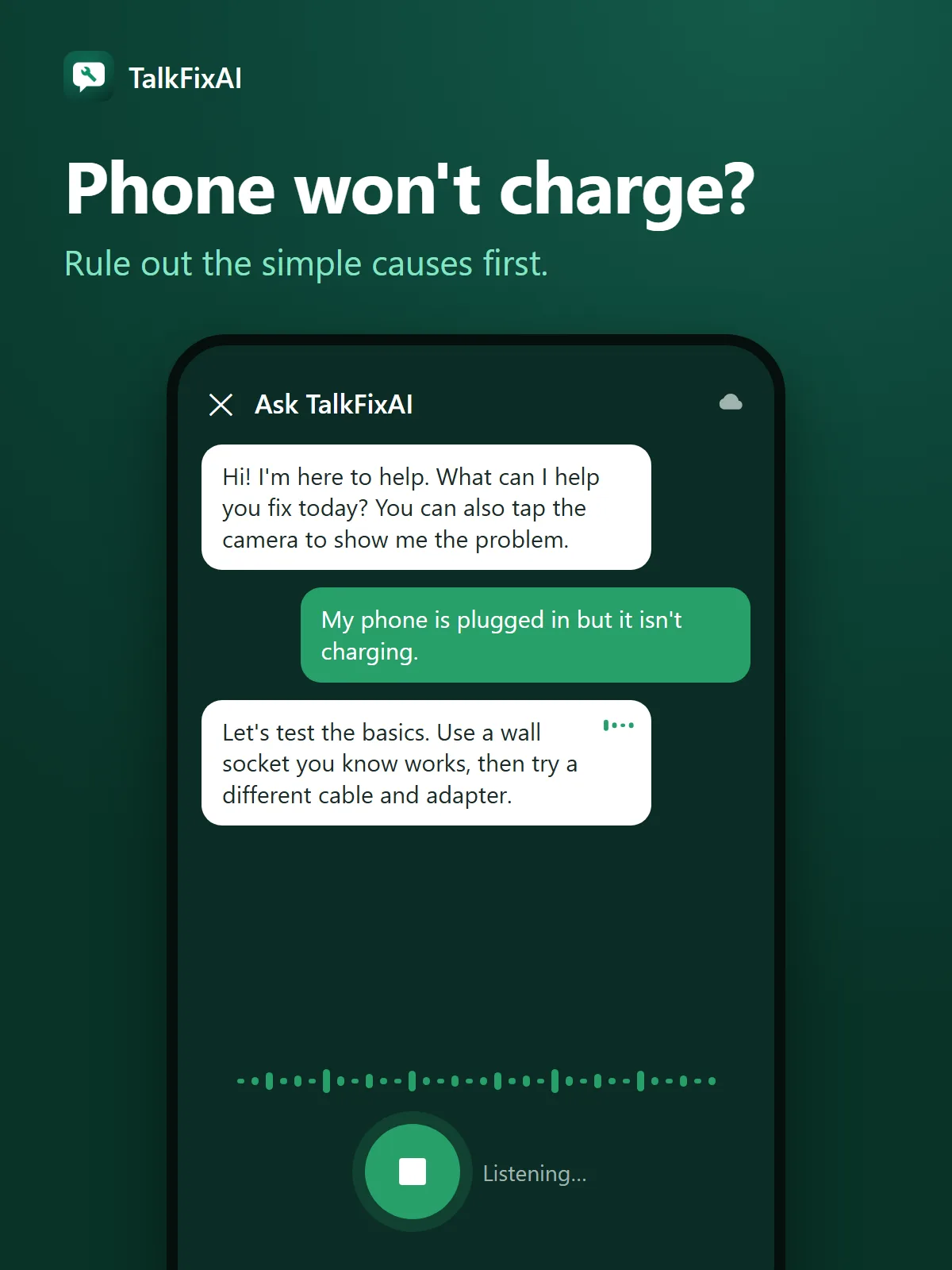
  1. Illustrated TalkFixAI chat. You: “My phone is plugged in but it isn't charging.” TalkFixAI: “Let's test the basics. Use a wall socket you know works, then try a different cable and adapter.”
    Step 1Phone won't charge?Rule out the simple causes first.
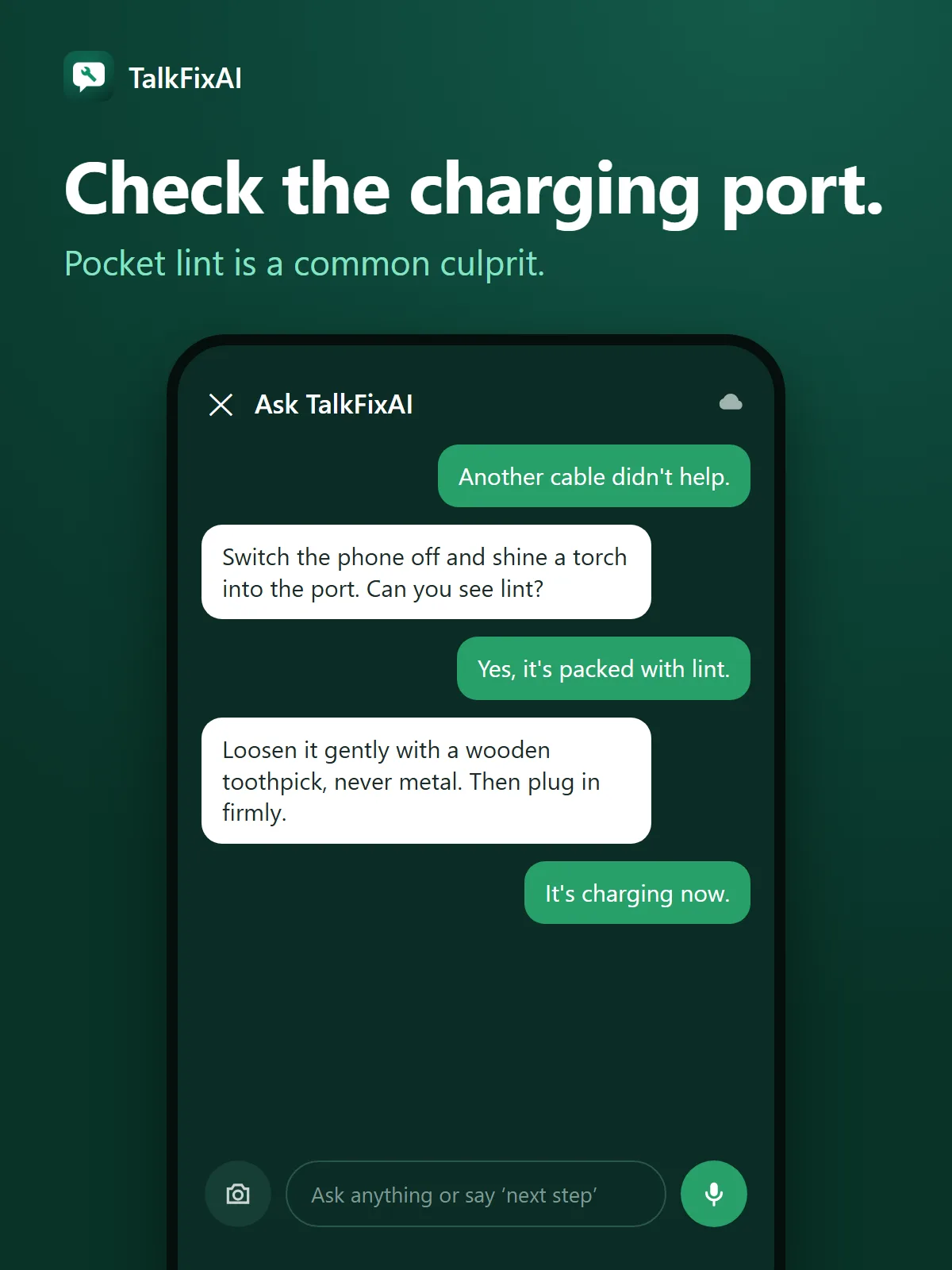
  2. Illustrated TalkFixAI chat. You: “Another cable didn't help.” TalkFixAI: “Switch the phone off and shine a torch into the port. Can you see lint?”
    Step 2Check the charging port.Pocket lint is a common culprit.
  3. Illustrated TalkFixAI chat. You: “The back of my phone is bulging a little.” TalkFixAI: “Unplug it now and stop charging. A swollen battery is a fire risk.”
    Step 3Know when to stop.Swollen or hot batteries need a repair.

Want TalkFixAI to talk you through this repair hands-free while your hands are busy? Try TalkFixAI, the free repair assistant that answers by voice, even offline.

More phone and gadget fixes